
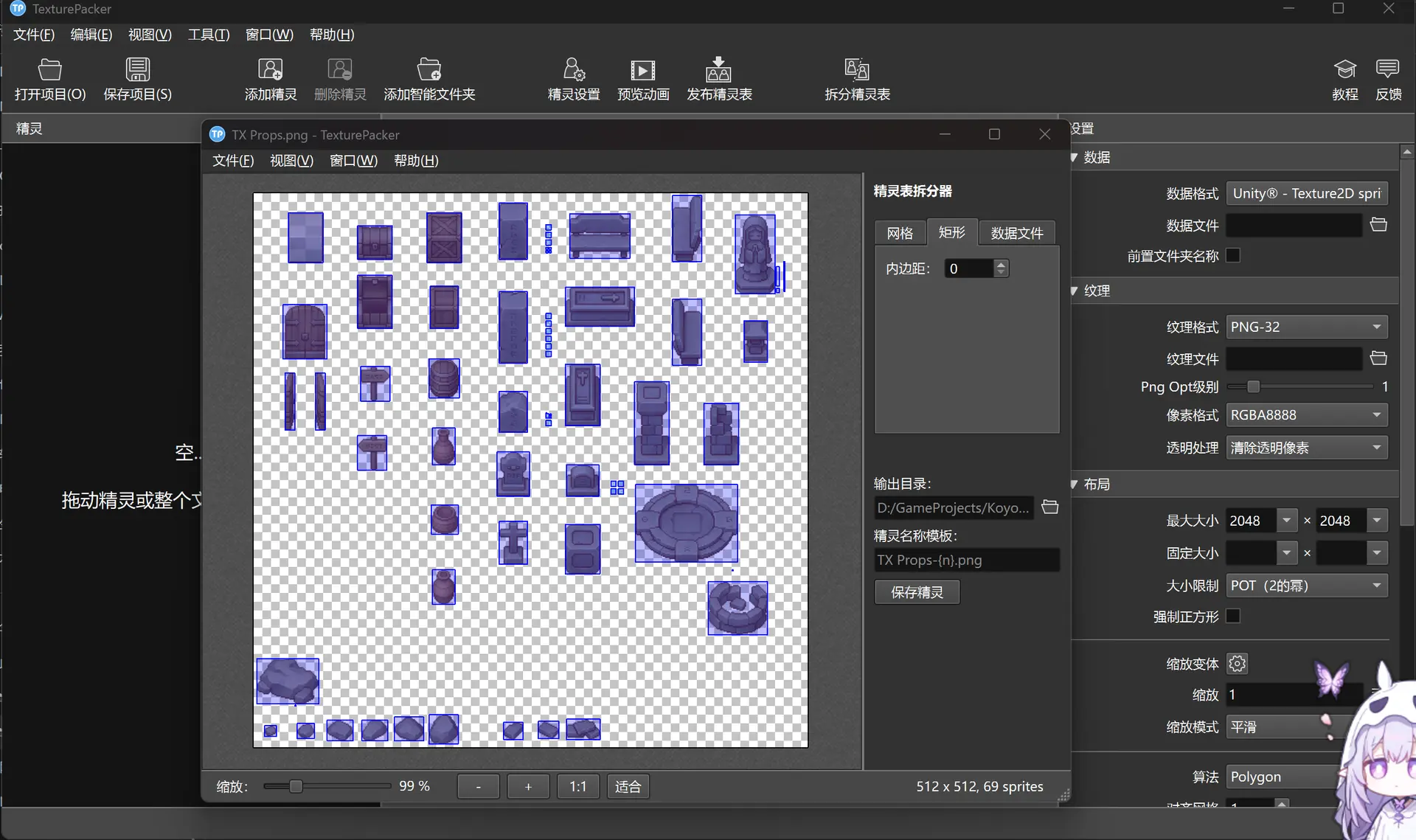
TexturePacker可以用于精灵图的拆分
这样我们用ai生成精灵图或者其他下载的资源就可以快速拆分
https://www.codeandweb.com/texturepacker
将这个写到txt文件,重命名为TexturePacker_Trial_Reset.reg,然后双击文件即可,软件更新后依旧可用
这个原作者为https://github.com/pakholam/TexturePackerCrack
text
12345678910111213141516171819202122232425262728
Windows Registry Editor Version 5.00

[HKEY_CURRENT_USER\Software\code-and-web.de\TexturePacker]
@=""
"firstStart"="false"
"autoUpdateCheck"="false"
"autoUpdatesEnabled"="false"
"sendStatisticsEnabled"="false"

[HKEY_CURRENT_USER\Software\code-and-web.de\TexturePacker\licensing]
"agreementsAccepted"="true"
"trialExpired"="false"

[HKEY_CURRENT_USER\Software\code-and-web.de\TexturePacker\licensing\data]
"licenseType"="single"
"licenseKeyPlain"="TP-1234-1234-1234-1234"
"activatedComputers"=dword:00000001
"email"="country@boy.com"
"expiryDate"="2199-01-01"
"product"="TexturePacker"
"street"="country lane"
"freeUpdatesUntil"="2199-01-01"
"cloudLicense"="false"
"licensee"="countryboy"
"numActivations"=dword:00000001
"company"="countryboy"
"city"="countryville"
"maxActivations"=dword:00000001